Getting Started with Custom CSS

We spend a lot of time ensuring that the Geckoboard dashboard looks great, we obsess over small details and we're constantly optimising. However, we also know that the default visual style doesn't suit everyone perfectly. Not everybody has the same needs and they certainly don't have the same tastes which is why we introduced custom CSS early on.

We get a lot of requests from people asking us to tweak the visual style of their dashboard to better suit their needs, whether it's changing colours or a total re-branding many folks are keen to spice it up and make it something bespoke.

By far the most common visual tweak requested is a "light" theme - dark-on-light as opposed to the existing light-on-dark, so that's what I want to show you today. If you're impatient and already know how to upload custom CSS files to your dashboard you can just scroll to the end of this article to find links for 3 alternative CSS files, otherwise, read on to see just how simple it is.

(download)
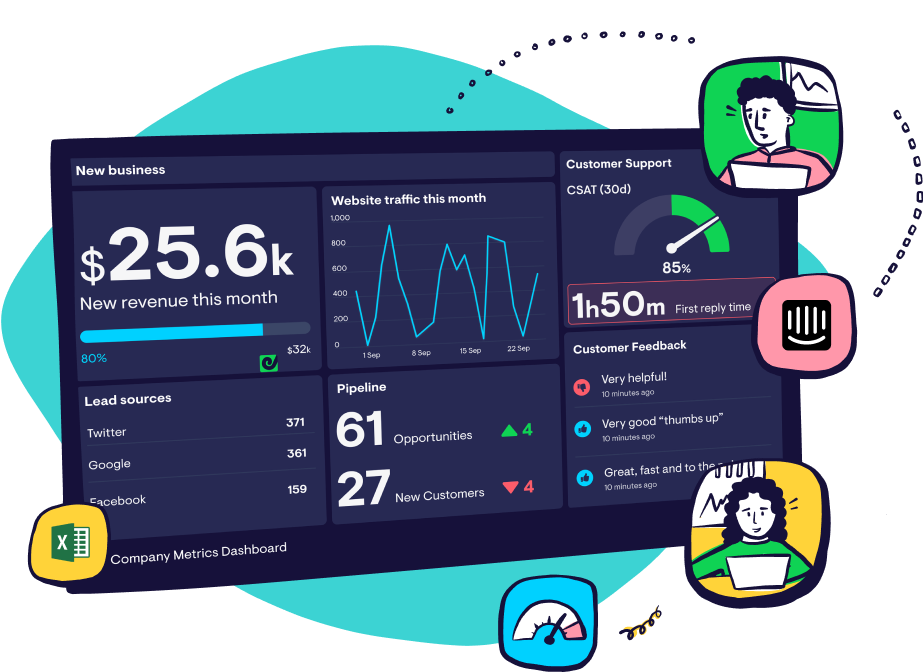
The images above show our standard demo dashboard with 3 new CSS files applied. As you can see it's possible to totally transform the look of your dashboards and now it's as simple as uploading a file.

We have 3 CSS files ready to go, all you need to do is download the CSS file you would like to try by right-clicking on one of the file links below and saving it. It's then a simple matter of uploading it to the dashboard of you choice all within your Geckoboard dashboard admin view. Here's how: 

  1. Click the "Configure Dashboard" link on the dashboard you want to change
  2. Click the "Browse" button next to Custom CSS and locate the file you downloaded in the first step
  3. Click save

Uploadcss
All done! But this is just the starting point; once you've seen how it works you can use these files to customise even further and get the dashboard that looks right for you. At any time you can go back to the default CSS by opening the dashboard configuration again and clicking the Delete existing CSS link. So what are you waiting for? Download the CSS files below and get started customising your dashboard!

Paul

CSS File Downloads

Right-click each file and save